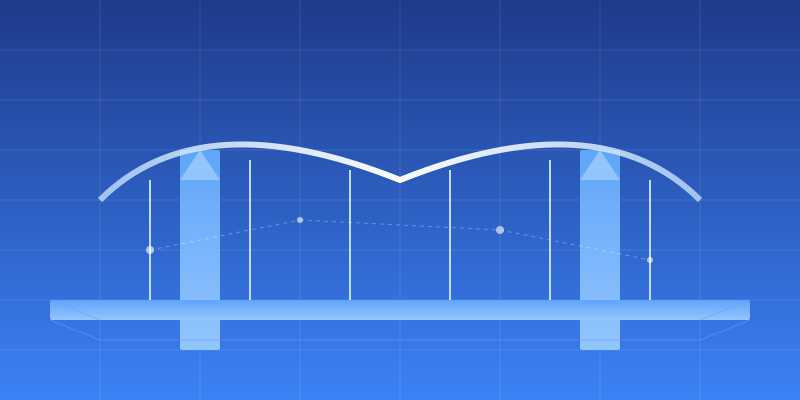
From 2D Drawings to BIM.
Accelerate Bridge Construction DX.
AI-powered conversion from 2D CAD to 3D BIM models, automatically.
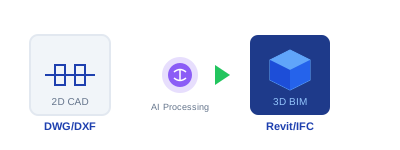
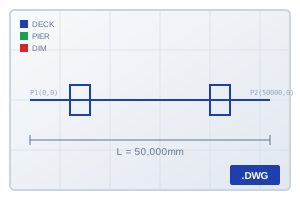
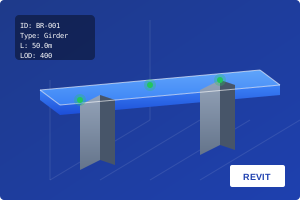
Product Demo
See how CIMBridge converts 2D CAD drawings into 3D BIM models.
Demo Video Coming Soon
Available shortly
Project Gallery
Explore 3D BIM models automatically generated by CIMBridge.
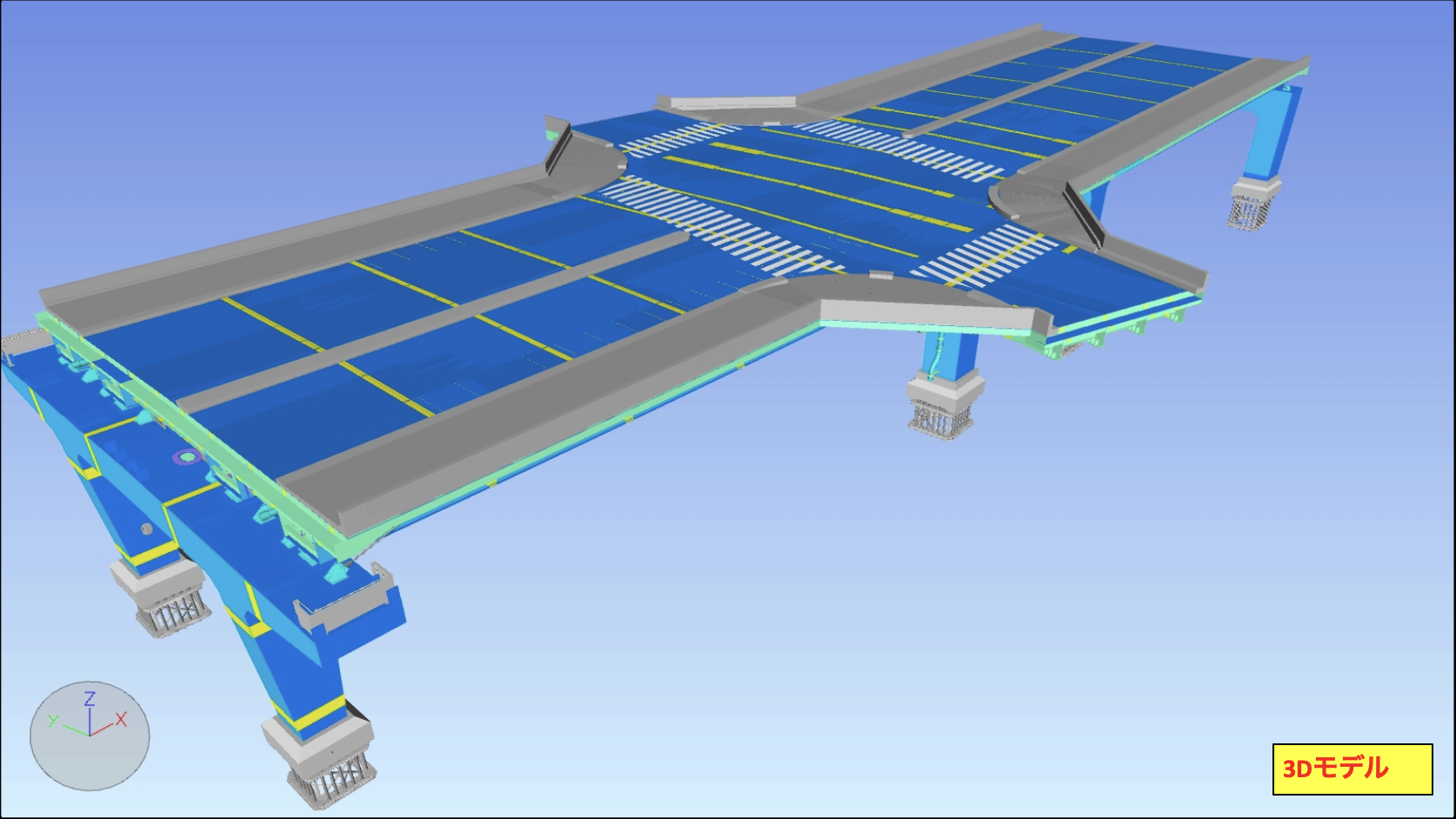
Interchange Bridge
Complex highway interchange bridge 3D model
Interchange Bridge
Complex highway interchange bridge 3D model
Facing These Challenges?
Time-consuming conversion from 2D drawings to 3D models
Manual conversion leads to errors and inconsistencies
Difficulty utilizing legacy CAD data
CIMBridge Solves It

Auto Drawing Recognition
Computer vision automatically recognizes layers and objects from 2D drawings

Auto 3D Generation
.NET API generates 3D BIM models from coordinate data automatically

Natural Language Control
LLM integration enables natural language interaction with Revit and AutoCAD
Convert in 3 Steps
Upload Drawing
Upload your 2D CAD drawing (DWG/DXF)
AI Recognition
Computer vision analyzes layers and coordinates
BIM Output
Auto-generate 3D model for Revit/BricsCAD
Enterprise Plan
Build Your Custom AI Team
Hybrid or onsite engagement, deploy your custom BIM automation AI in 12 weeks.
Learn
We analyze your workflows to identify time-consuming tasks
Train
We teach AI agents your workflows, BIM standards, family libraries, and templates
Deploy
Your new AI teammates start working from the BIM Engine desktop app, available 24/7
Why Trust Us
Certifications
Our Clients
Download Materials
Request Demo